
4 Ways to Generate PDFs in n8n (Compared) | Re:port Flow
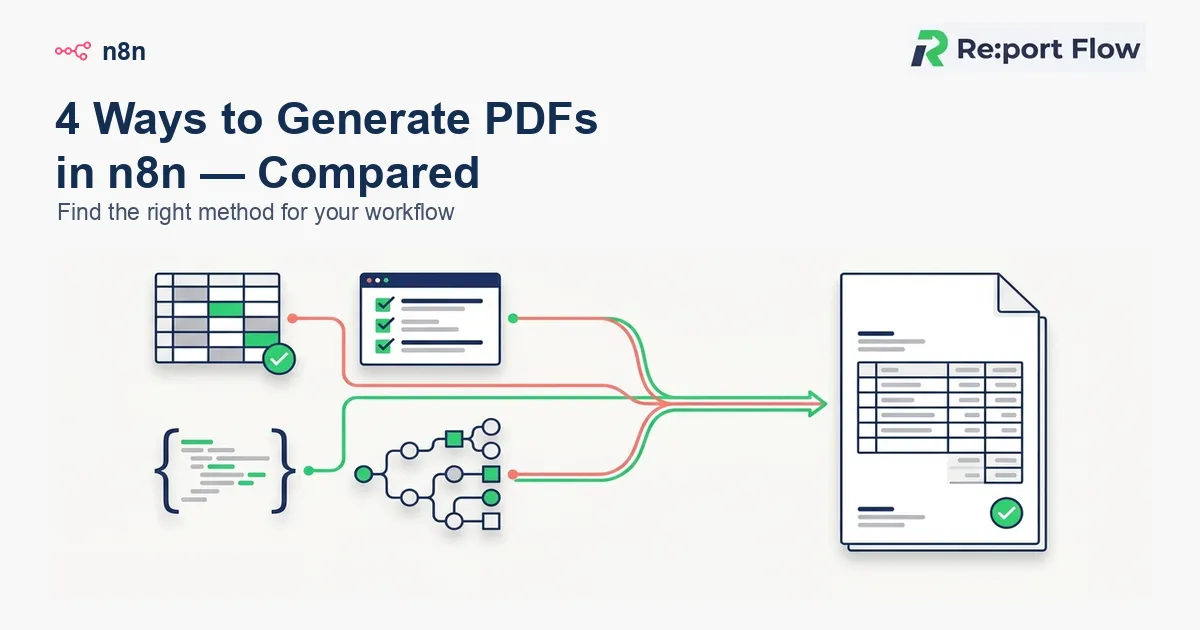
"I want n8n to generate an invoice, quote or delivery note PDF whenever a form comes in or data changes." There are several ways to do that.
The common four are: use Google Docs / Google Sheets, self-host Puppeteer or Gotenberg, call a generic PDF API from the HTTP Request node, or use Re:port Flow's official n8n community node.
This article compares the four and shows which fits when you need to keep producing business documents over time.
When you need PDF generation in n8n
n8n is a workflow tool that connects forms, CRMs, spreadsheets, Notion and webhooks. Typical PDF cases:
- Create a quote PDF from a form response
- Issue invoice and delivery note PDFs from an order webhook
- Build documents from Notion DB or Google Sheets rows
- Merge CRM customer data into contracts and application forms
- Generate monthly reports in bulk
- Pass the generated PDF on to Gmail, Slack or Google Drive
Most of these aren't just "turn a web page into a PDF." They merge business data into a formal document layout. That's where template management, fonts (including CJK), page breaks, tables, multi-PDF generation and long-term maintenance start to matter.
Four ways to generate PDFs in n8n
1. Google Docs / Google Sheets
One of the easiest methods is to use a Google Doc or Sheet as the template, merge data into it from n8n, and export it as a PDF. For example, fill a Sheets template with a customer name, items and amount, then export.
Good for
- You already run on Google Workspace
- You need a simple invoice or quote
- You want to start small at low cost
- Your template is fairly simple
Watch out for
- Layout depends on how Google Docs / Sheets behave
- Per-row bulk generation and multi-document setups get complicated
- Template management tends to depend on one person
- Layout breaks and print-range tweaks become ongoing work
It suits small automations, but maintainability becomes the issue when document generation sits at the core of a product or workflow.
2. Self-host Puppeteer / Gotenberg
You can also build the document in HTML and CSS and render it with Puppeteer or Gotenberg. It's very flexible and gives engineers fine control, so it's a strong option when you have a dev team.
Good for
- You want to craft the layout precisely in HTML / CSS
- You can operate a self-hosted environment
- You want to own the PDF infrastructure
- A dev team can maintain it long-term
Watch out for
- It can be hard to set up on n8n Cloud
- Fonts (especially CJK), page breaks, margins and tables are easy to get stuck on
- Output can change with browser, library and font version differences
- Template changes often need an engineer
It's flexible, but think carefully about whether you want to run infrastructure and maintenance just for document PDFs.
3. Call a generic PDF API from the HTTP Request node
From n8n's HTTP Request node, you call an external PDF generation API. You send HTML or JSON and receive a PDF file or a download URL.
Good for
- You don't want to run PDF infrastructure yourself
- You need it to work on n8n Cloud
- You already use a PDF API
- You want a simple way to move HTML-to-PDF conversion off your servers
Watch out for
- You write auth, request format and error handling for each API
- Template management is a separate problem
- Multi-PDF generation and async processing can get complicated
- APIs that aren't built for documents can be a poor fit for business-document requirements
It's fine for one-off HTML-to-PDF, but tends to lack template management and document-oriented features if you issue invoices, quotes and delivery notes continuously.
4. The official Re:port Flow n8n community node
Re:port Flow is a cloud service specialized in document and PDF generation. For n8n we provide an official community node, n8n-nodes-reportflow. You can call Re:port Flow's generation API from the n8n UI without hand-writing HTTP requests.
Good for
- You want to generate invoices, quotes and delivery notes from n8n
- You want to manage templates in a visual editor
- Your documents include CJK fonts, page breaks and tables
- You don't want to run PDF infrastructure
- You need multi-PDF or async generation
- You use both n8n Cloud and self-hosted n8n
What it can do
- Generate a single PDF synchronously
- Generate a single PDF asynchronously
- Generate multiple PDFs in one call
- Webhook integration after async generation
- Fetch a template's parameter structure
- Pass the PDF on to email, Drive, Slack and more
Templates are managed on the Re:port Flow side, and n8n controls when, with which data, and where to send the result.
Comparison of the four methods
| Method | Initial setup | Layout freedom | CJK / Japanese documents | Maintenance cost | Best for |
|---|---|---|---|---|---|
| Google Docs / Sheets | Easy | Medium | Medium | Medium | Small invoices and quotes |
| Puppeteer / Gotenberg | Harder | High | Needs tuning | High | HTML documents maintained by a dev team |
| Generic PDF API | Medium | Depends on the API | Depends on the API | Medium | Offloading HTML-to-PDF |
| Re:port Flow official node | Easy | High | Handled out of the box | Low | Ongoing business-document PDFs |
Basic workflow: Re:port Flow × n8n
- Set a trigger in n8n
- Shape the data you need
- Generate the PDF with the Re:port Flow node
- Pass the PDF to later steps
n8n controls the workflow as a whole; Re:port Flow handles the templates and PDF generation.
Setup steps
1. Create a template in Re:port Flow
Create an invoice, quote or delivery note template. Add merge fields for customer name, amount, line items, dates and so on.
2. Install the official node in n8n
From Community Nodes, install n8n-nodes-reportflow. On self-hosted n8n, enable community nodes in your environment settings first.
3. Set your AppKey
Issue an application key in the Re:port Flow dashboard and add it to n8n Credentials. Once set, you can reuse it across workflows.
4. Build the trigger and data-shaping nodes
Set the node that starts PDF generation: a form, webhook, Google Sheets, Notion or CRM. Then use a Set or Code node to shape data into the format Re:port Flow expects.
5. Generate the PDF with the Re:port Flow node
Specify the template ID and the merge data. Use sync generation for single documents, and async generation for large batches or heavy documents.
6. Email, store or notify
Pass the generated PDF to Gmail, Google Drive, Slack, Notion or other later nodes, so everything from data event to document, delivery and storage is automated in n8n.
Use cases
Quote PDFs from form responses
Use an inquiry or quote-request form as the trigger, pass the answers to Re:port Flow, and generate a quote PDF. Afterwards you can notify a salesperson in Slack or email the customer.
Bulk invoices from Google Sheets rows
Read the billable rows in Google Sheets and generate one invoice PDF per row. It suits monthly billing or recurring reports where many files come from the same template.
Documents from a Notion DB
If you manage projects, customers and billing in a Notion DB, n8n can fetch that data and pass it to Re:port Flow for PDF output. Notion handles data, Re:port Flow produces the formal document, and n8n runs the flow.
Delivery notes and invoices from an order webhook
Receive an order webhook from an e-commerce store, SaaS or business system, and generate delivery notes and invoices automatically. The PDFs can go to email, cloud storage, or a URL written back to an admin screen.
Which method should you pick?
To start small: Google Docs / Sheets
If you just want a simple invoice or quote, Google Docs / Sheets is enough. But once the document count grows, you handle several formats, or you keep changing templates, its limits show early.
For maximum freedom: Puppeteer / Gotenberg
Choose it if you want fine control with HTML / CSS. You then own PDF infrastructure maintenance, fonts, page breaks and version differences.
For HTML-to-PDF only: a generic PDF API
If all you need is to convert web pages or HTML, a generic PDF API will do. For ongoing business documents like invoices, quotes and contracts, consider template management and output history too.
For ongoing business documents: Re:port Flow
If you generate PDFs from n8n continuously, the official Re:port Flow node fits. You don't run PDF infrastructure, and templates, merging, multi-document generation and downstream steps all live inside your n8n workflow.
Summary
There are four main ways to generate PDFs in n8n:
- Google Docs / Google Sheets
- Self-hosted Puppeteer / Gotenberg
- A generic PDF API via HTTP Request
- The official Re:port Flow n8n community node
Google Docs / Sheets is enough for small PDF jobs, and Puppeteer / Gotenberg is an option when you want freedom. But for business documents like invoices, quotes, delivery notes and reports that you run in n8n over time, leaving PDF generation to Re:port Flow lowers the burden of infrastructure upkeep and template management.
Start with a small workflow, such as a form submission or spreadsheet update that triggers a PDF, using the official n8n-nodes-reportflow node.