
Generate PDFs from Claude with an MCP Server | Re:port Flow
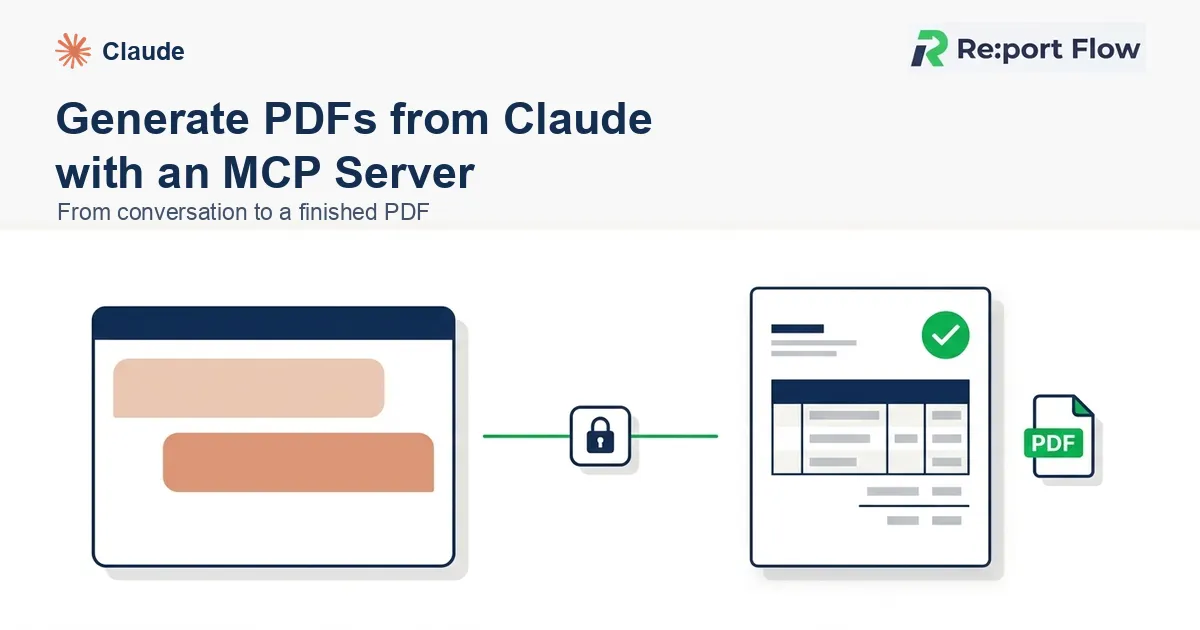
Tell Claude or ChatGPT "make an invoice with these details" and get a finished PDF back. That is what an MCP (Model Context Protocol) server for document generation makes possible.
This guide shows how to connect Re:port Flow's MCP server, what the AI calls behind the scenes, and how to produce your first PDF on the free tier.
What you'll learn
- How PDF generation works over MCP
- How to connect from Claude, Cursor, VS Code and other MCP clients (no API key to manage)
- Which tools the AI calls, and what a real exchange looks like
- What the free tier (30 pages/month) covers
What is MCP (Model Context Protocol)?
MCP is a standard protocol that lets AI agents work with external tools and data sources safely. Through an MCP server, the AI doesn't just talk about an action. It calls a tool and actually performs it.
That means a single conversation can search, fetch data, and generate files.
How PDF generation over MCP works
Once an MCP server for document generation is connected to your AI client, the flow looks like this:
- You ask for a document (for example: "Create a $1,000 invoice for Acme Inc.").
- The AI organizes the fields it needs and calls the document-generation tool through MCP.
- Your data is merged into a reusable template and a PDF is rendered.
- A link to the finished PDF comes back in the AI's reply.
The key point: the template owns the layout, and the AI only organizes data and makes the call. Every document comes out with the same design and the same typesetting. You don't get the layout drift you see when a model tries to format a printable page on its own.
The tools the AI calls
Re:port Flow's MCP server exposes each step of document generation as a tool. Depending on your request, the AI chains them like this:
| Tool | What it does |
|---|---|
list_templates | Lists the templates already in your workspace |
search_gallery_templates | Searches the public template gallery for invoices, quotes and more |
copy_gallery_template | Copies a gallery template into your workspace |
get_design_parameters | Fetches the fields a template expects |
generate_pdf_sync | Generates one PDF and returns a link |
generate_pdfs_async | Generates many PDFs asynchronously |
So even with zero templates, the AI can find one in the gallery, copy it, ask you for the missing values, and produce the PDF, all from the conversation.
How to connect
Authentication uses OAuth 2.0 with Dynamic Client Registration. You never paste an API key into your AI client.
Claude (web and desktop)
Re:port Flow is listed in Anthropic's MCP directory. Add "Re:port Flow" from Claude's connector list, sign in and approve access, and you're connected. It runs on a remote endpoint, so there's nothing to install locally.
Claude Code
Register the remote endpoint:
claude mcp add --transport http reportflow https://mcp.re-port-flow.com/mcpA browser window opens for OAuth authorization the first time you use it.
Cursor, VS Code and other MCP clients
Add the remote endpoint https://mcp.re-port-flow.com/mcp to your client's MCP server settings. The config format differs per client, so follow each tool's MCP documentation. If you prefer to run it locally, the npm package reportflow-mcp is also available.
See the MCP integration guide for details.
Generate your first PDF
Once connected, just ask:
Create an invoice with Re:port Flow
If you have no template, one is found in the gallery and copied for you. Missing details such as the amount and recipient are asked back to you. Answer them and you'll get a PDF link. From sign-up to first PDF usually takes a few minutes.
By design, the server instructs the AI not to invent business data such as company names, amounts or tax IDs, and to ask for them instead. That can't be guaranteed in every case, so always review the PDF before sending. A handy pattern is to request one clearly labeled sample first to check the look, then redo it with real data.
What the free tier covers
The free plan includes up to 30 PDF pages per month, with no credit card and no expiry. Generation through MCP counts against the same allowance. Responses may include your plan usage and upgrade guidance, so you'll notice when you're nearing the limit.
Example use cases
- A customer-support AI issues a quote on the spot from an inquiry
- An internal assistant generates the month's recurring invoices in one go
- An AI workflow outputs PDFs as one of its steps (use async generation for batches)
FAQ
Do I need an API key?
No. Access is authorized with OAuth 2.0, so there is no key to hand to your AI client or rotate.
Which AI clients work?
Any MCP-capable client, including Claude Desktop, Claude Code, Cursor and VS Code.
Can the AI get an amount or recipient wrong?
Values come from what you state in the conversation, and anything missing is asked back. For important documents, review the generated PDF before you send it.
What about Japanese and other CJK text?
Font embedding and line-breaking rules are handled by the template and renderer on the Re:port Flow side, regardless of what the AI outputs.
What if I need to generate documents in bulk?
Async generation of multiple PDFs is supported. You can also combine it with Make or n8n workflows.
Summary
With MCP and Re:port Flow, a conversation with your AI can end in a finished PDF. You connect without an API key, and you can start from the gallery without owning a template. Try it on the free tier.